
AI & Trading
The Best Chrome Extension for Trading in 2026
Most trading Chrome extensions show you signals or track a portfolio. Co-Invest puts a real order button inside the pages you already read. Here is how it works and what you can trade with it.

Every trade starts somewhere other than your exchange. A post on X. A Reddit thread. A CNBC headline that moves a name you have been watching. By the time you have switched tabs, found the market, and set up the order, the move you were reacting to is often half over.
That gap is the entire reason browser extensions exist for traders. The problem is that most of them stop short of the part that matters: they show you a chart, a signal, or a portfolio balance, and then still send you somewhere else to actually trade.
Co-Invest for Chrome is Liquid's answer. It reads the page you are on, works out which markets it is about, and injects a Trade $TICKER chip right below the text, carrying a live price, the 24-hour change, and a sparkline. Tap it, pick Long or Short, confirm, and the order goes live on Liquid without ever leaving the tab.
What Counts as a "Trading Chrome Extension" in 2026
Search for one and you get four very different products wearing the same label. Knowing which category a tool belongs to is the fastest way to tell whether it will actually change how you trade.
The four kinds of trading extension
Scroll horizontally to compare
| Portfolio tracker | Signal / TA overlay | Chart AI assistant | Execution layer | |
|---|---|---|---|---|
| What it shows you | Balances and PnL | Buy/sell calls | Chart commentary | A live order ticket |
| Where it works | Its own popup | A few crypto sites | Charting platforms | The pages you already read |
| Can it place an order? | No | No | No | Yes |
| Tab switches per trade | 1+ | 1+ | 1+ | 0 |
| Main risk | Stale data | Unverifiable track record | Generic output | Trading too fast |
The first three categories are research tools. They are useful, and there are good ones, but they leave the last mile, the part where you commit capital, exactly where it was.
Co-Invest is in the fourth category, and that is the only category where "best" is decided by execution quality rather than content quality: which markets you can reach, how fast the order is, and how hard the tool works to stop you from firing off something you did not mean.
Where the Chips Appear
Co-Invest works on the surfaces where trading ideas actually form:
Supported pages
X (Twitter)
Chips inject below post text in the timeline, on individual posts, and in quote tweets. Cashtags like $NVDA get a full market card that replaces X's own static stock card with a live, tradeable one.Reddit
A market card lands under the post, drawn from both its title and its body. It works the same in r/wallstreetbets as in any other subreddit.CNBC and Bloomberg
Publishers annotate companies themselves, so Co-Invest follows their own quote links: in running article prose, in the related-quotes strip, and on market cards. A ticker you are reading about becomes a market you can act on in place.TradingView
A Trade button joins the chart toolbar next to Replay and opens a floating card for whatever symbol you are charting. Switch symbols and the card follows; switch to something Liquid does not list and the button greys out.MetaTrader Web
On MetaTrader's web terminal, a draggable Co-Invest overlay stands in for the native Market Execution panel, tracking the pair on screen.
The chip is designed to look like it belongs to the page rather than pasted on top of it. It matches each site's light or dark theme and sits in the flow of the content instead of floating over it. A post never gets more than three chips, however many markets it mentions.
On TradingView, the Trade button in the chart toolbar is how you trade on Liquid straight from a chart. Our walkthrough, Can You Trade on Liquid with TradingView?, covers setup and which chart symbols map to which Liquid markets.
How It Knows What the Page Is About
This is the part that separates a useful extension from an annoying one. Co-Invest reads the page you are on and works out which markets it is about, then shows a chip only for the ones Liquid lists.
It recognizes tickers and cashtags like $BTC or "bitcoin" on sight, so an explicit mention always gets a chip. It also understands plainer references, like a post naming a chief executive rather than the company, or a thread about tariffs that is really about oil. On CNBC and Bloomberg the publisher already labels the companies in a story, so Co-Invest follows those labels instead.
From Chip to Position
What happens when you tap
Tap the chip
A compact trade card opens in place, showing the market, the live price, your size, and your multiplier. It stays self-contained and separate from the page around it, so the site you are on cannot change how it looks or see what is in it.Pick a side
Long or Short. Choosing a side sends nothing; it arms the card. This deliberate two-step exists so that a stray tap on a scrolling timeline can never open a position.Confirm
Now the order is sent to Liquid as a market order. Everything is checked once more before it goes out: that you picked a real side, that your size clears the $10 minimum and stays under the ceiling, and that your multiplier is within the market's own maximum. If you already hold that market, the position's existing multiplier is used rather than whatever the card showed.Manage it anywhere
The fill lands in the same account as everything else, so you can close it from the side panel, from the Liquid web app, or from your phone. It is one account, not an extension-specific sandbox.
If you are not signed in, the flow ends differently and deliberately: the chip becomes a Connect to trade prompt that opens Liquid's side panel, or hands off to the Liquid app with the trade prefilled. It will not queue an order against an account that does not exist yet.
Signing in is secure and simple. There are no keys or passwords to paste into a browser extension, and no page you visit can read your session. You connect once and stay signed in across restarts.
What You Can Actually Trade From a Tweet
Because orders route to Liquid, the extension inherits Liquid's market universe rather than a crypto-only subset. From a single chip you can reach:
Reachable from a chip
Scroll horizontally to compare
| Examples | Max multiplier | |
|---|---|---|
| Crypto perps | BTC, ETH, SOL, HYPE | 40x |
| Stock perps | NVDA, TSLA, PLTR, SPCX | 20x |
| Commodities and metals | WTI, Brent, gold, natural gas | 25x |
| FX | EUR, JPY | 50x |
| Indices | S&P 500, Nasdaq 100 | 50x |
That range is why a news page is a genuinely useful trading surface here. A Bloomberg story about a Fed decision, a CNBC piece on crude, and an X thread about Nvidia's next quarter all resolve to markets that live on the same account, trade 24/7, and settle in the same collateral. No separate equities broker, no separate FX account.
Is It Safe to Let an Extension Trade?
It is a fair question, and the honest answer is that it depends entirely on how the extension is built. The design decisions that matter:
What the extension does not let happen
The page cannot trade for you
Orders only go through when you tap the extension's own buttons yourself. A website you are visiting cannot place a trade on your behalf.The page cannot read your account
The site you are on cannot see your Liquid session or look inside the trade card. Your account stays with the extension, not the page.
Where It Fits With Liquid's Other AI Surfaces
Co-Invest is a family, not a single product. The Chrome extension is its execution surface; the chat assistants (Claude, ChatGPT, Grok, and Meta Muse) are its research surface.
Choosing a Co-Invest surface
Scroll horizontally to compare
| Chrome extension | Chat assistants | iMessage | |
|---|---|---|---|
| Best for | Acting on what you're reading | Research and analysis | Trading in conversation |
| Starts from | A post or article | A question | A text message |
| Places orders | Yes | Yes | Yes |
| Confirm step | Always | Always | Always |
If you want an assistant to reason about a market before you touch it, that is what the AI trading guide covers. The distinction between an assistant that suggests and a bot that acts on its own is worth understanding before you use either, and we wrote about it in automated vs. agentic trading.
Getting Started
Setup, in order
Create a Liquid account
Sign up with email, Google, or Apple, then deposit. USDC from most major chains, card, ACH, SEPA, and wire all work.Install Co-Invest for Chrome
It runs in desktop Chrome. The extension is free; you pay only Liquid's normal trading fees on the orders you place.Connect from the side panel
Open the side panel and sign in. You are returned to the page you were on.Set your defaults
Margin mode, default order size, whether that size means margin or notional, and your multiplier are set once in the panel, so every chip's card opens configured the way you trade. Those settings are saved for you.Open X and scroll
Chips appear under posts that mention a tradeable market. That is the whole workflow.
Liquid accounts are created at app.liquid.trade, and the extension connects to the same account you use on web and mobile.
The best trading Chrome extension is not the one with the most indicators. It is the one that closes the distance between noticing something and acting on it, while keeping enough friction in the last step that you only act when you mean to.
Trading leveraged products involves substantial risk of loss. Nothing here is investment advice.
Frequently Asked Questions
What is a trading Chrome extension?
A trading Chrome extension adds market functionality to the pages you already browse. Most only display data, such as a portfolio balance, a signal, or chart commentary. An execution-layer extension like Co-Invest goes further and lets you place a real order from inside the page, so acting on a post or headline does not require switching tabs.
Can you trade directly from X (Twitter)?
Yes. With Co-Invest for Chrome installed, posts that mention a tradeable market get a Trade $TICKER chip below the text with a live price, 24-hour change, and sparkline. Tapping it opens a trade card in place; you pick Long or Short, confirm, and the market order is placed on your Liquid account without leaving X.
Does the extension send my posts or browsing data to a server?
No. Co-Invest works out which markets a page is about using Chrome's own on-device AI, which runs locally on your machine. The posts, articles, and comments you read are never uploaded for this, and on news sites it simply follows the publisher's own ticker labels. Its network requests are limited to prices, charts, and the orders you explicitly confirm.
Is the Co-Invest Chrome extension free?
Yes, the extension itself is free. You pay only Liquid's standard trading fees on the orders you place through it, exactly as you would trading in the Liquid app.
Which sites does the Co-Invest extension work on?
X (Twitter), Reddit, TradingView, CNBC, Bloomberg, MetaTrader Web, and Axiom. Chips appear under post text on X and Reddit; beside tickers in article prose, related-quote strips, and market cards on CNBC and Bloomberg; as a Trade button in TradingView's chart toolbar; and as an order overlay on the MetaTrader and Axiom web terminals.
Is it safe to let a browser extension place trades?
Co-Invest is built so the page you are on cannot trade on your behalf or see your Liquid account. Orders only go through when you tap the extension's own buttons; every order is checked against the market's own limits for side, size, and leverage before it is placed; and picking a side and confirming are always two separate actions, so there is no one-tap order.
What can you trade from a chip?
Crypto perps such as BTC, ETH, SOL, and HYPE; stock perps such as NVDA, TSLA, and PLTR; commodities and metals including WTI, Brent, gold, and natural gas; FX; and index perps on the S&P 500 and Nasdaq 100. Markets outside the extension's curated set, including prediction markets, are traded from the side panel or the Liquid app.
Educational content only — not investment advice. Trading perpetual futures involves substantial risk and may not be suitable for every investor. Past performance is not indicative of future results.
Keep reading
All articles →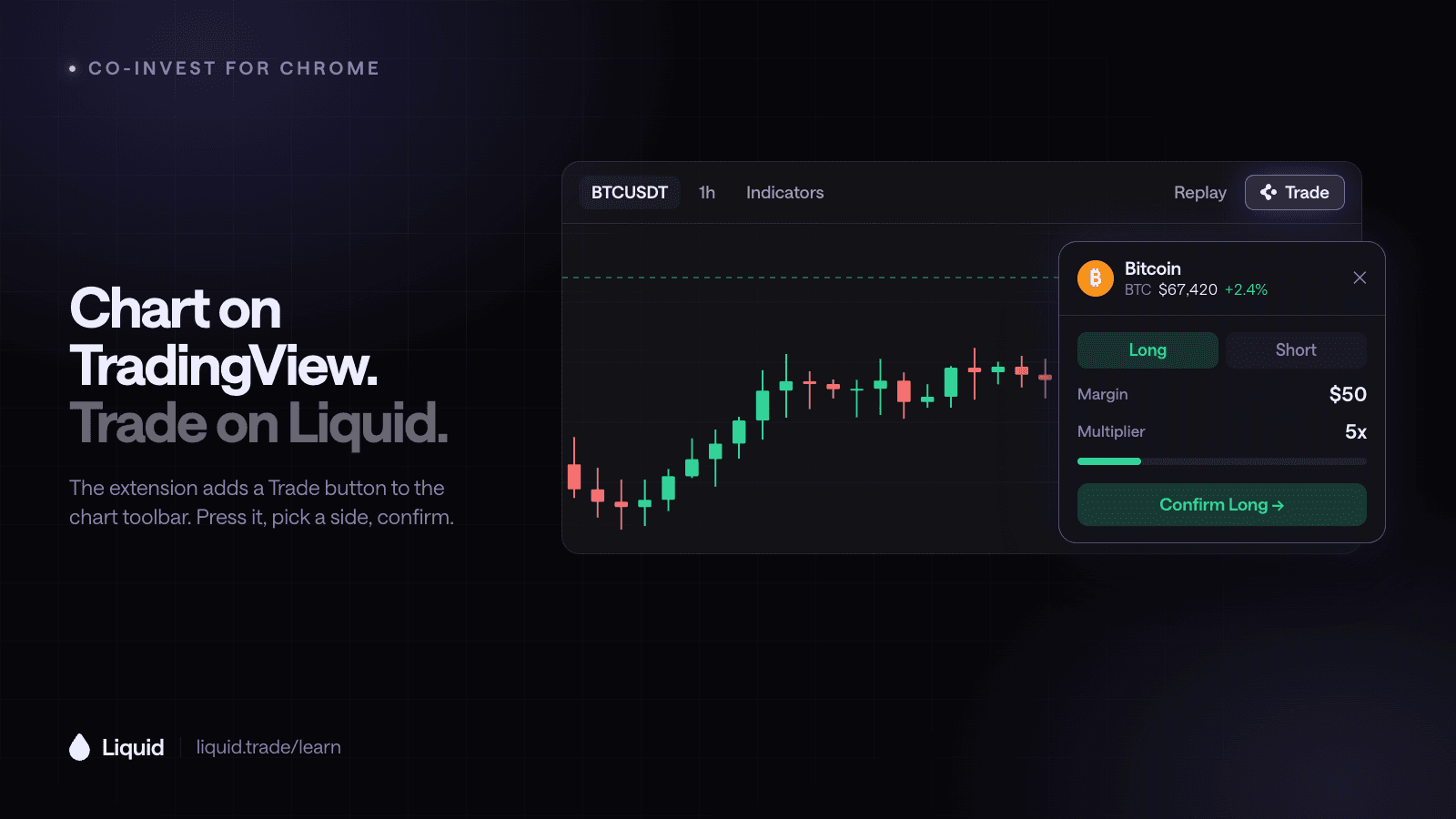
AI & Trading
Can You Trade on Liquid with TradingView?
Yes. The free Co-Invest extension for Chrome adds a Trade button to TradingView charts, so you can go long or short on Liquid for the symbol you are charting without leaving the tab.

AI & Trading
How to Use Co-Invest to Trade Prediction Markets
Use Co-Invest with ChatGPT, Claude, Grok, or Meta Muse to research prediction markets, compare prices with your view, practice in paper mode, and confirm an outcome trade.
AI & Trading
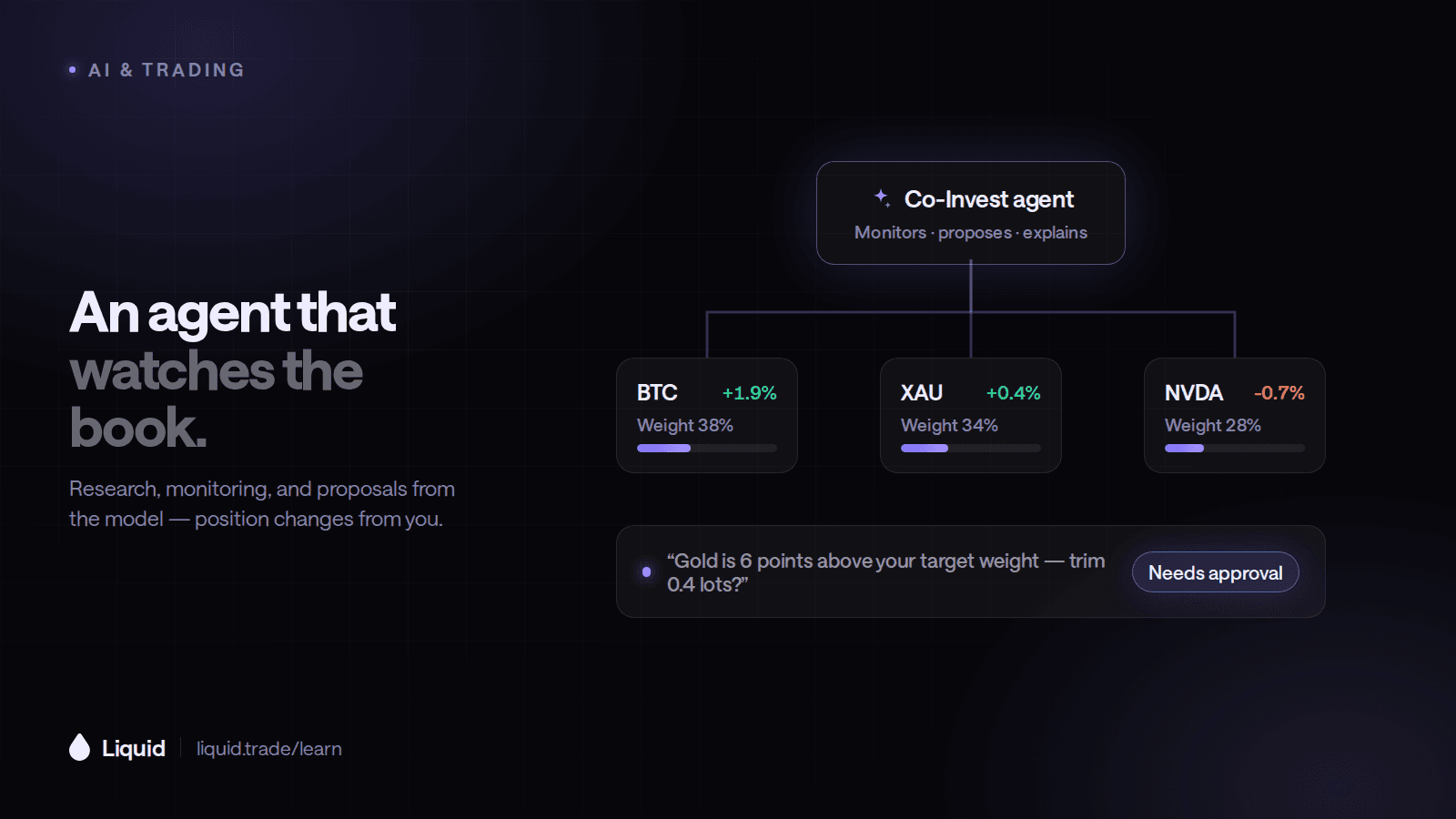
How to Let an AI Agent Help Manage Your Trading Portfolio
Define what an AI agent may research, propose, and execute. Compare user-confirmed Co-Invest with autonomous Co-Invest Computer and build clear risk limits.
Put what you learned to work.
Trade crypto, stocks, commodities, FX, indices, and pre-IPO names — plus prediction markets. Prediction contracts are unleveraged; eligible perpetual markets offer multipliers of up to 50×.